Cinematic Relight
Shape flat imagery into a film-grade lighting pass with AI-guided relighting controls. Reframe mood, depth, and contrast with precise cinematic tools built for polished hero visuals.
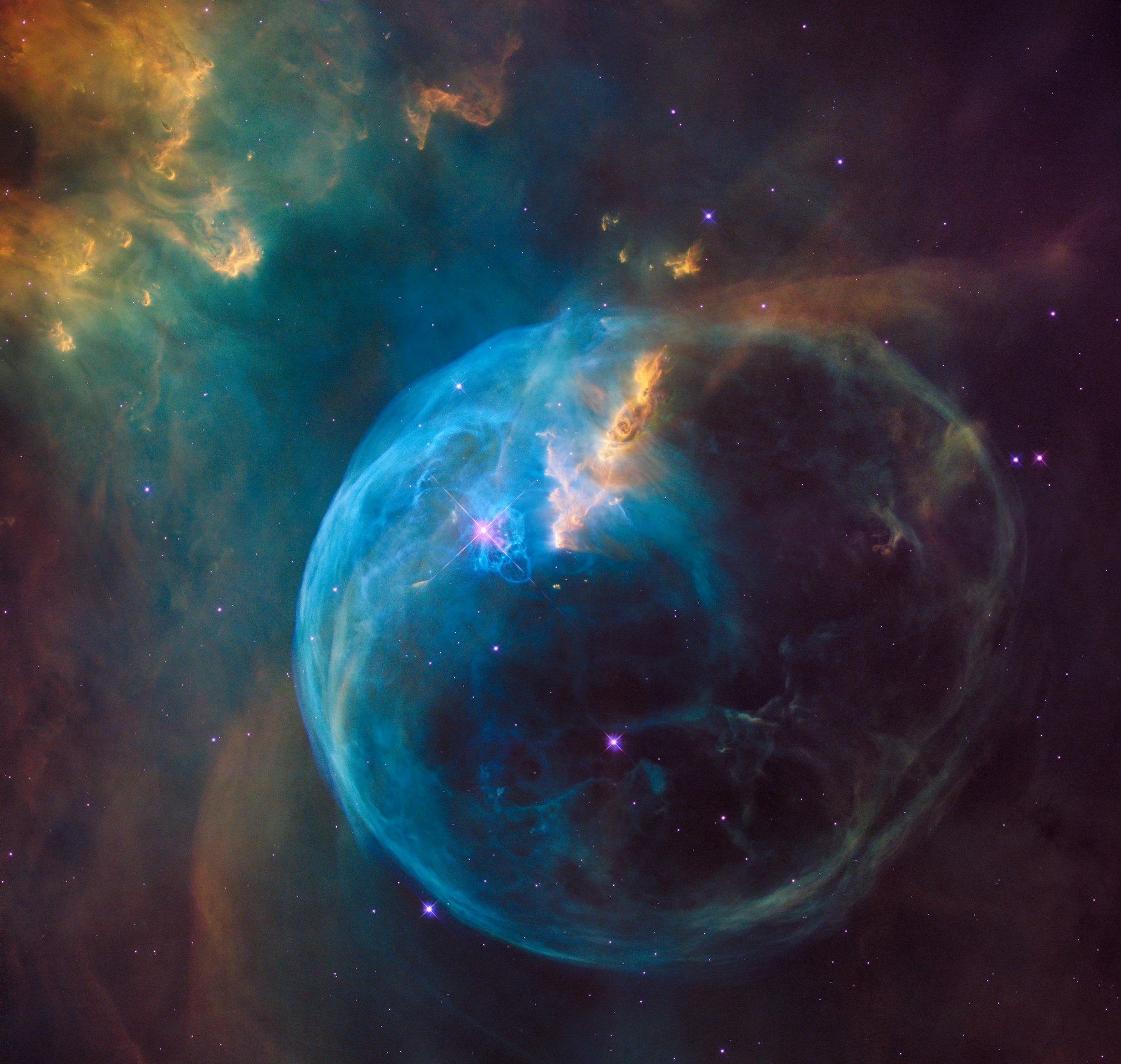
Before / After Preview
Use this slot for the cinematic relight comparison frame so the transformation is visible immediately.
Relight Comparison
Show the transformation, not just the toolset.
This is the highest-conviction section for Cinematic Relight: place the untreated frame beside the graded relight result so users instantly understand mood, light shape, and finish quality.
Light Direction
Reposition key light angle and falloff to sculpt faces, products, and scenes with intentional cinematic shape.
Color Boost
Lift selective saturation and chroma energy without pushing skin tones or highlight rolloff into artificial territory.
Bokeh Effect
Introduce lens-inspired depth separation with controlled bloom and blur that keeps the subject clean and premium.
Luma Curve
Refine contrast response across shadows, mids, and highlights for a polished grade with stronger tonal control.
Selected Tone LUTs
Apply curated finishing looks that echo film-grade LUT workflows for fast, art-directed mood shaping.
The Cinematic Relight
Production Pipeline
Source Scan
Stage 01
AI Synthesis
Stage 02
Optimization
Stage 03
Mastering
Stage 04
Software Showcase
Use this area to present product screens, grading workflows, relighting outputs, or polished UI stills that communicate the actual experience today.
Interface-First Storytelling
Keep the page grounded in visible software moments instead of future infrastructure promises.
Launch-Ready Presentation
Swap in screenshots, software mockups, and polished examples without redesigning the section.
Visual Module Frame
Best used for interface captures, cinematic before-and-after views, feature callouts, or workflow boards.